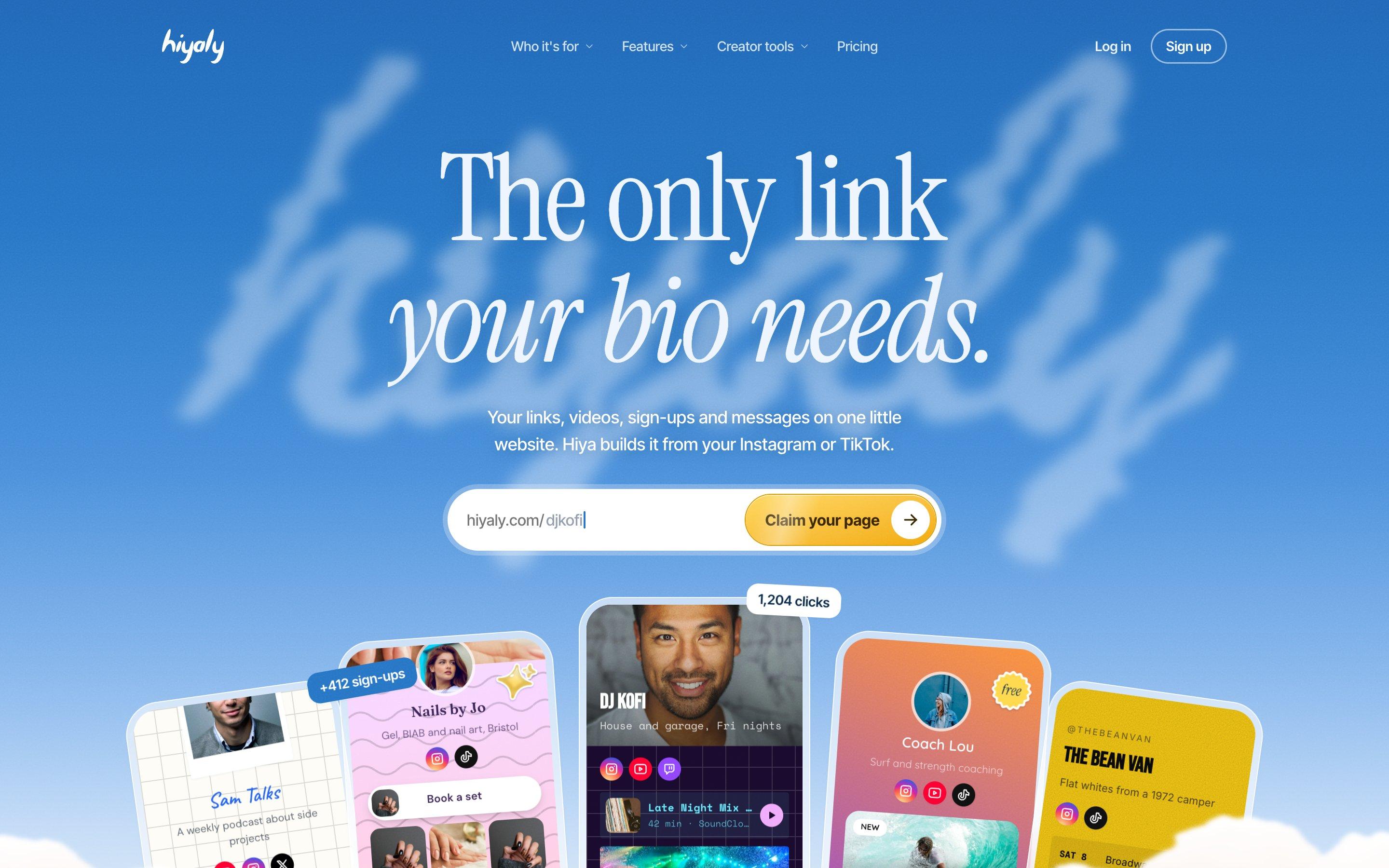
There are dozens of link in bio tools now, and most of them look alike from the outside: a photo, a name, a stack of buttons. The differences show up later, when you try to sell something, change your plan, or need help from a real person.
We make Hiyaly, so we're not neutral, and we won't pretend to be. Hiyaly comes first on this list because it's ours. After that, you'll find seven other tools we've used and compared, with what each one does well, where it falls short, and what it costs. Where another tool is the better fit for you, we'll say so.
Updated for 2027. Prices are in US dollars and were checked in November 2026; we check them again in January, when many tools change their prices. Some tools also charge differently by country, so check their pricing page before you pay.
Hiyaly
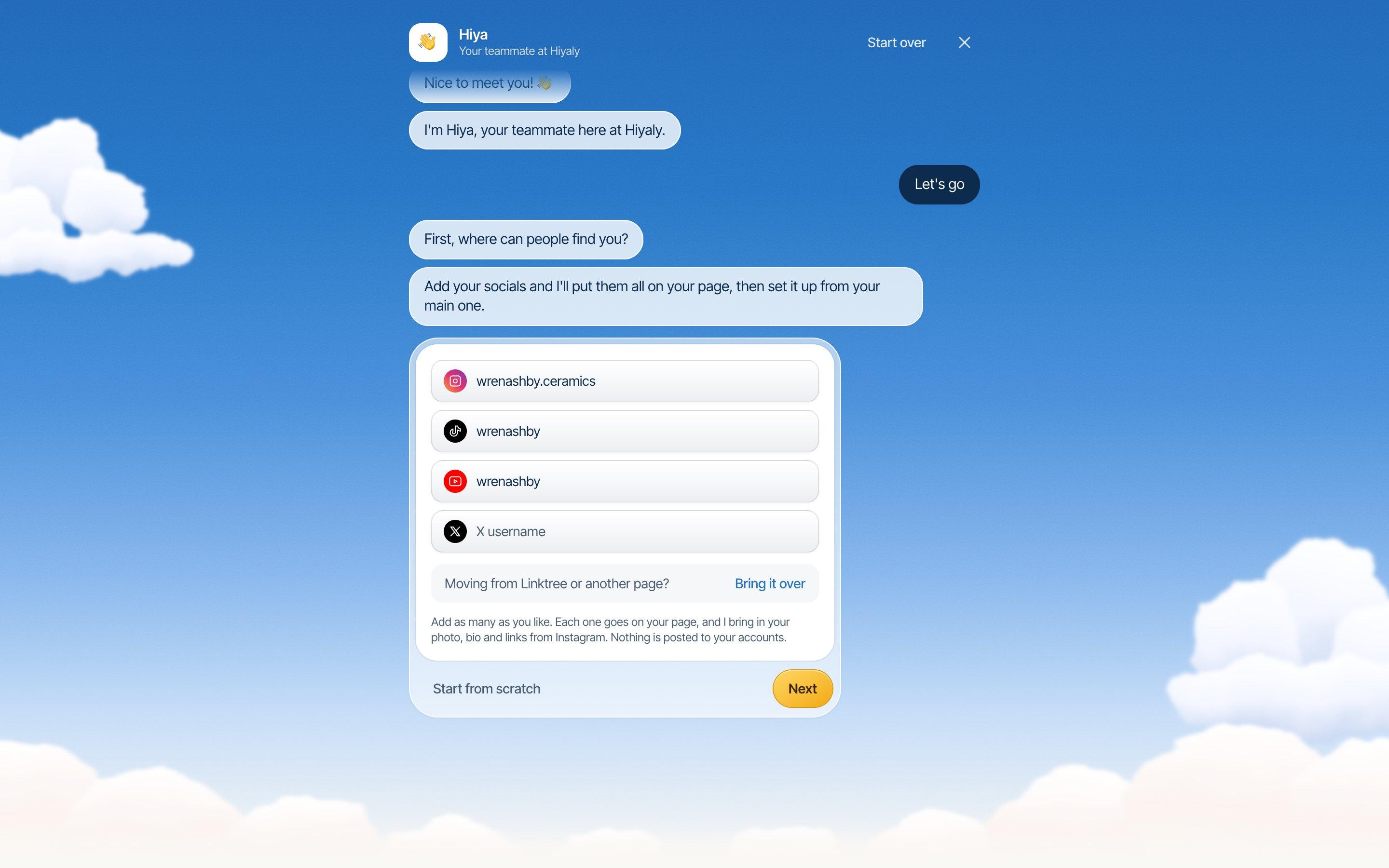
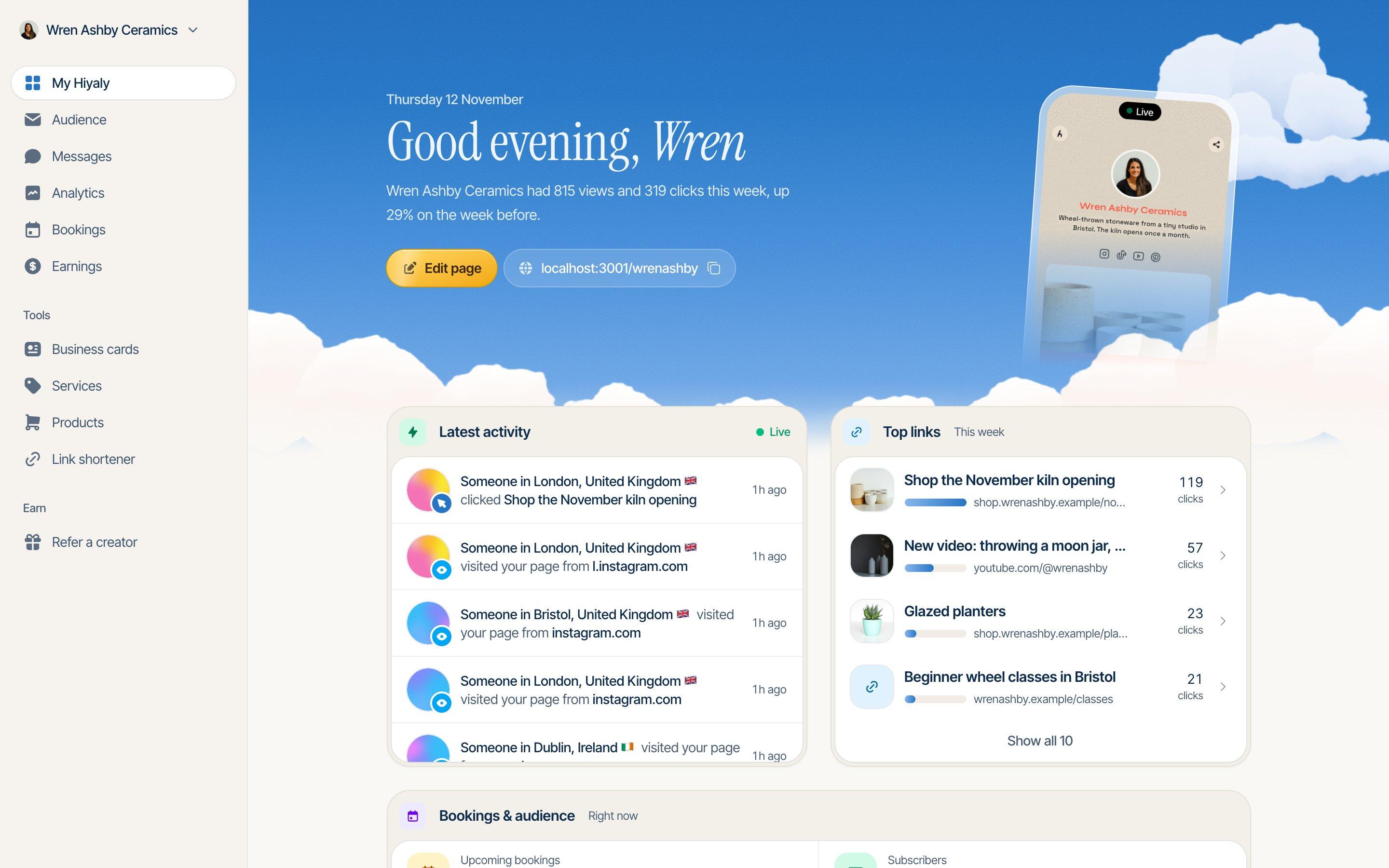
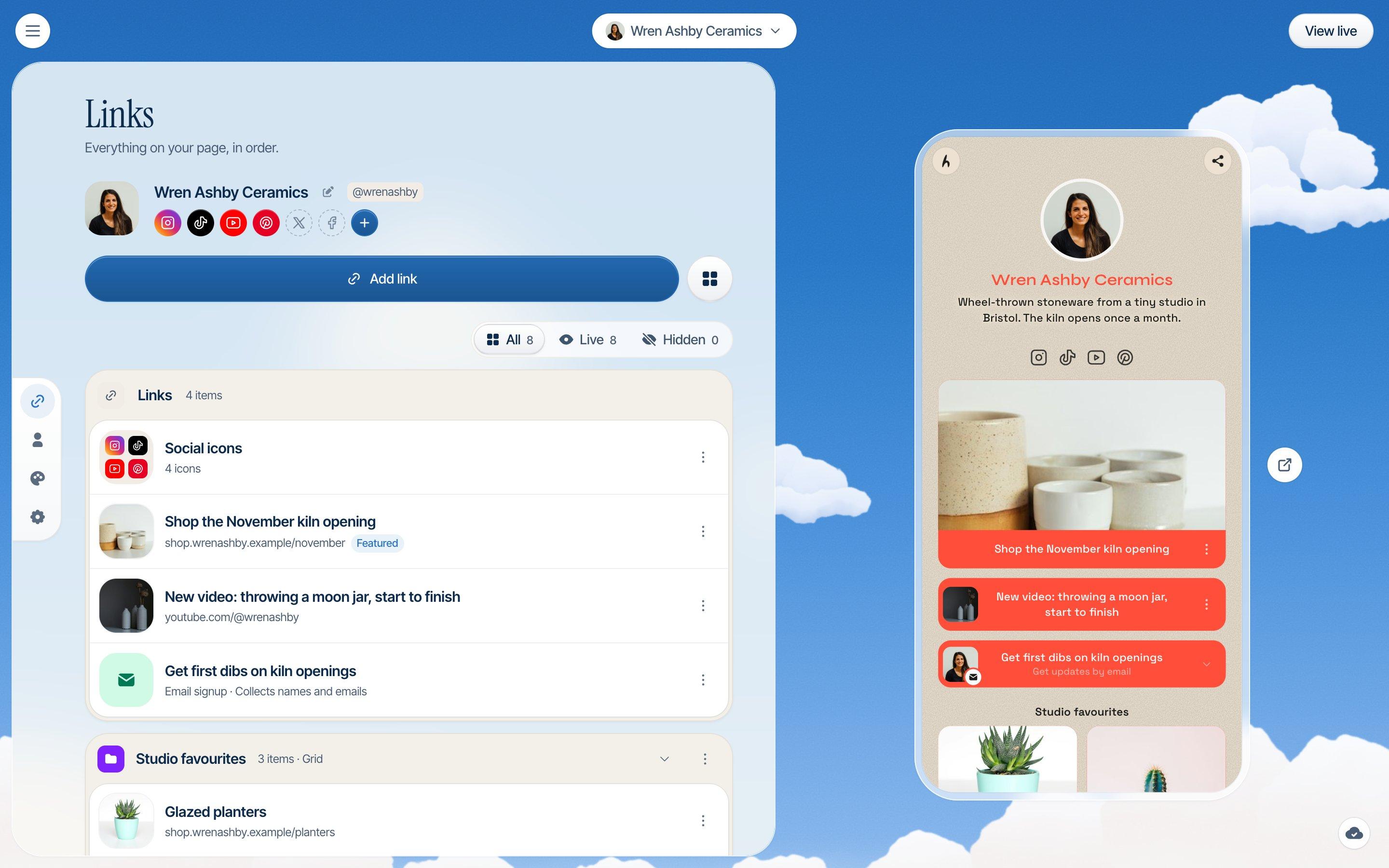
Hiyaly is a link in bio page that lives at hiyaly.com/yourname, or at your own domain. It holds your links, videos, a small shop, email sign-ups, bookings and messages from visitors. The thing people notice first is setup: tell Hiya, our setup assistant, where you post (Instagram, TikTok, YouTube or X) and it brings in your photo, bio and links, then picks a theme that suits your feed. If you're moving from Linktree or another page, Hiya can bring that page over too.
The bigger reason we built it is trust. When we read reviews of other link in bio tools, the loudest complaints weren't about missing features. They were about surprise renewals, plans that are hard to cancel, pages taken down without a word, and no one to talk to. So that's where Hiyaly tries hardest.
What's good
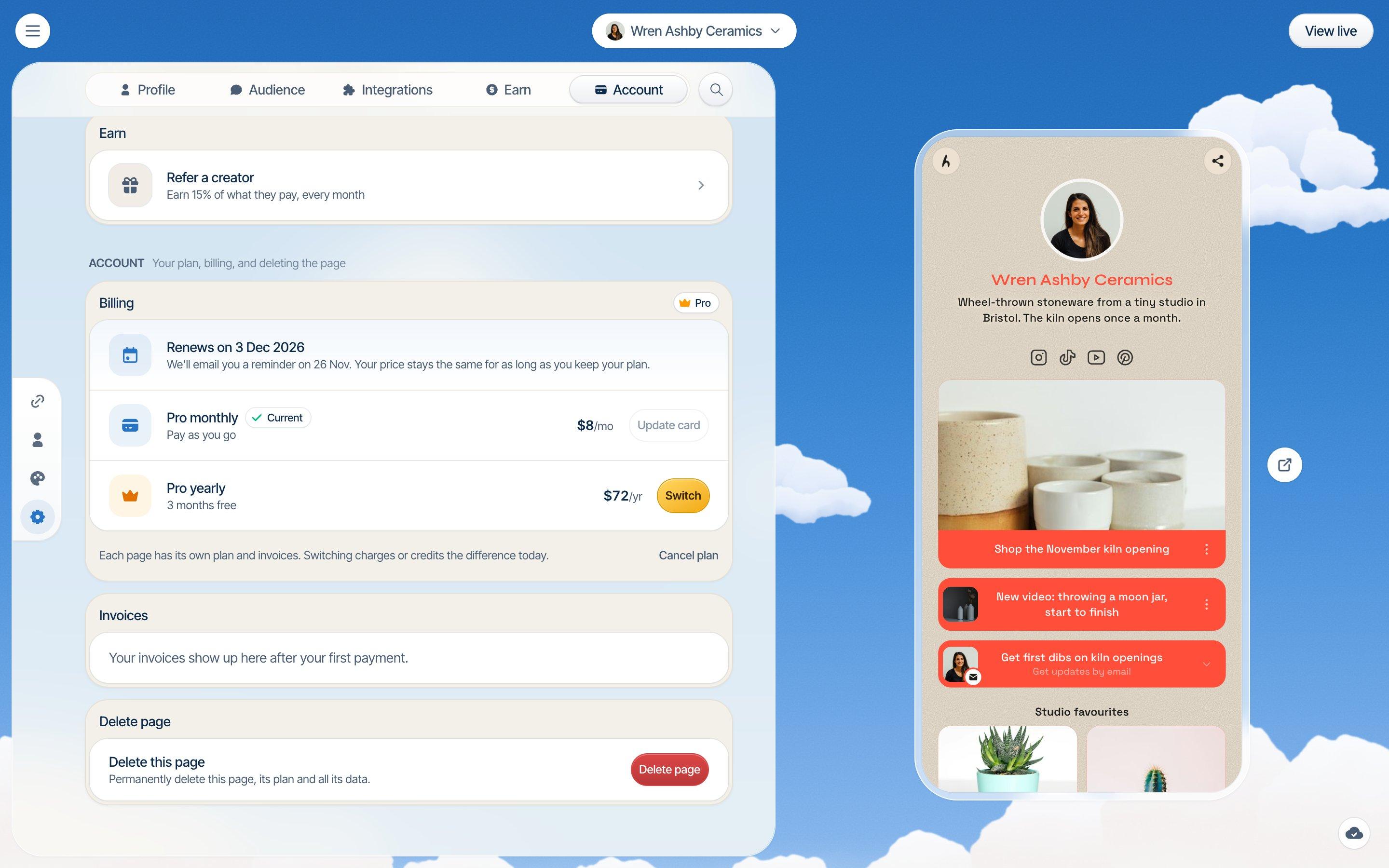
- Fair billing. Your settings show your next charge and its date. You get an email before a renewal. You can cancel in one click, and your page stays live until the end of what you've paid for. Nothing is deleted.
- Your own domain. Connect a domain you own, like jo.com, on Pro. Your hiyaly.com link keeps working too.
- No silent takedowns. If we ever act on a report about your page, a person looks at it first, and we tell you what we did, why, and how to ask us to look again.
- A real person. Email support is answered by a person, usually the same day. Verified badges are checked by a person as well.
- No cut of your sales. Downloads, tips and paid bookings go through your own Stripe account at 0% Hiyaly fees, so Stripe's processing is the only cost.
- One plan with everything. Pro includes no branding, analytics for the last 90 days, scheduled links, sign-ups, pixels, a password lock and the verified badge.
What's not
- No free plan. You can build and preview your page for free, and the first 14 days of Pro are free with no card needed. After that you pay to keep it live. If you need a page that's free forever, Linktree or Carrd is a better fit.
- Priced per page. Each page has its own plan. Two pages on Pro cost twice as much.
- Not a course platform. Hiyaly sells downloads, tips and paid calls. Courses, memberships and physical products still live on another platform, and you link to them.
- Stats go back 90 days. Some tools keep a year or more on their higher plans.
- Best for
- Creators who want a page set up for them, fair billing and their own domain
- Price
- $8/month, or $72/year (three months free), per page
- Free plan
- No, 14-day free trial with no card needed
- Fees on sales
- 0% from Hiyaly, Stripe processing only
 Nails by JoGel, BIAB and nail art, Bristol
 Book a set
 Your first set, 15% offJOSNAILSPrice listMessage me

 Tour dates
 Bookings
See everything on the features page, or read more about Hiya's setup and using your own domain. Pricing is on one simple page.
Linktree
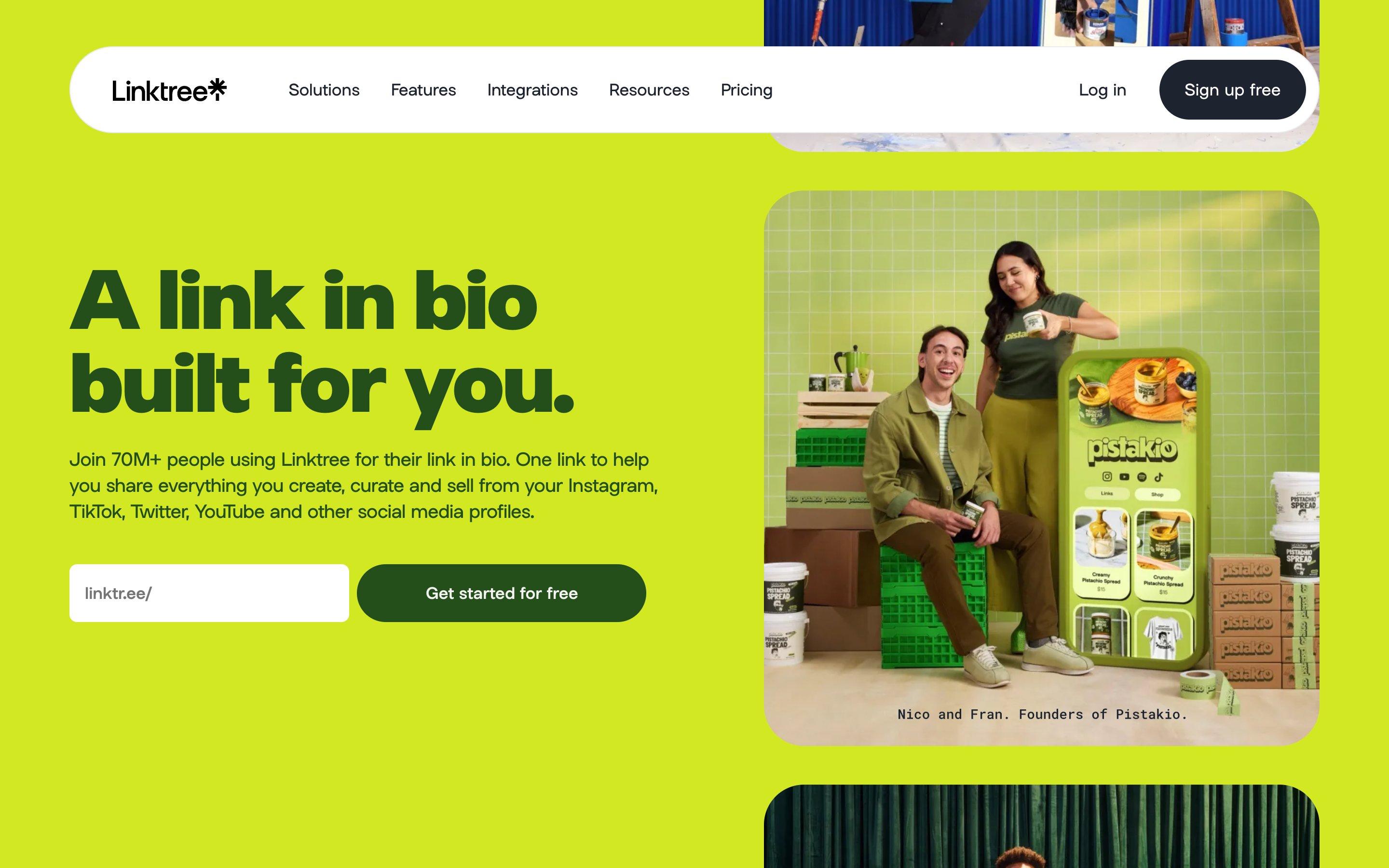
Linktree is the name most people know, and for good reason. It was early, it's reliable, and its free plan is properly useful. If someone says "link in bio", this is often what they mean.
What's good
The free plan gives you unlimited links, email sign-ups and 28 days of analytics, and you can keep it as long as you like. There are lots of link apps for music pre-saves, events and social posts. On Pro and Premium you can sell digital products and courses and take paid bookings, listed at 0% Linktree fees. Brand recognition counts for something too: people trust a linktr.ee link because they've seen thousands of them.
What's not
Removing the Linktree logo needs Pro at $17 a month. Selling paid products and bookings needs Pro as well. Your page lives at linktr.ee/you, and Linktree doesn't list custom domains. Common complaints in reviews are about renewals people didn't expect, cancelling, and slow support.
- Best for
- Anyone who wants a free page, or wants to sell courses from it
- Price
- Free, then Starter $9, Pro $17, Premium $35 a month (less billed yearly)
- Free plan
- Yes
Comparing the two? See Hiyaly vs Linktree or our guide to switching from Linktree.
Beacons
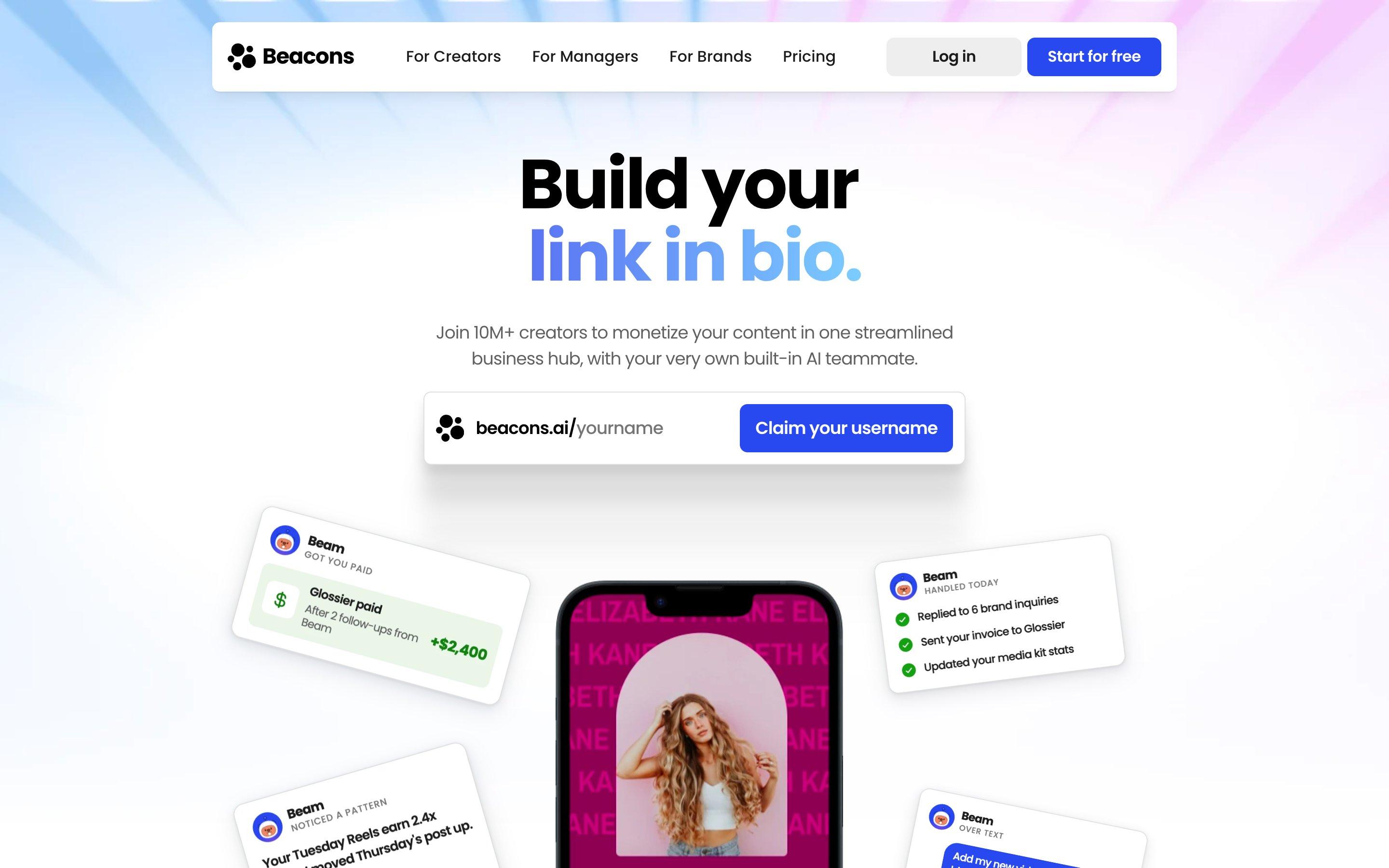
Beacons is an all-in-one creator account: a link in bio, a store, an email tool, a media kit and an AI assistant, all under one login.
What's good
If you want one tool for everything, Beacons comes close. The media kit is handy for creators who pitch brands, and the store handles digital products. There's a free plan, so you can try it all without paying.
What's not
On the Free and Creator plans, Beacons keeps 9% of each sale. You need Creator Plus at $30 a month to drop that fee. Doing everything also means there's a lot to learn, and if you only need a page of links, much of it sits unused. Common complaints in reviews mention the sales fee, and feeling locked in once your domain and store live there.
- Best for
- Creators who want link in bio, selling, email and a media kit in one place
- Price
- Free, then Creator $10 and Creator Plus $30 a month
- Free plan
- Yes, with a 9% fee on sales
More detail in Hiyaly vs Beacons.
Stan
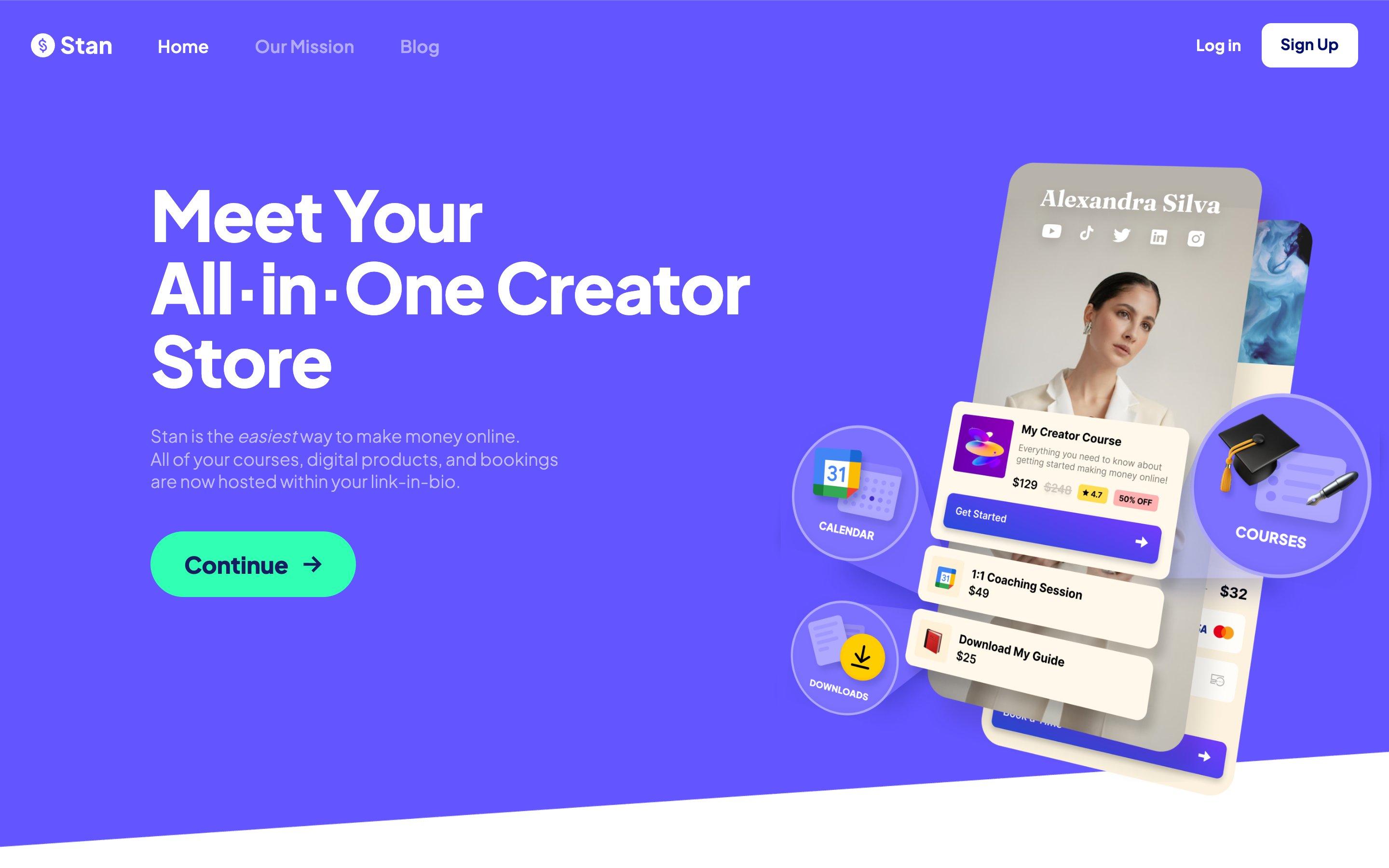
Stan is a store first and a link in bio second. It's built for coaches and creators whose page is really a shopfront.
What's good
If you sell courses, coaching calls, memberships or digital products, Stan is very good at it. Checkout happens right on the page, it handles bookings and email, and Stan doesn't take a cut of your sales, so only payment processing applies. Creator Pro adds funnels, order bumps and more email tools.
What's not
It's expensive if you mostly share links: $29 a month is the entry price. There's no free plan, just a 14-day trial. A custom domain is only on its top plan. Common complaints in reviews are about payouts being held, and about cancelling.
- Best for
- Coaches and creators selling courses, digital products and calls
- Price
- Creator $29/month, Creator Pro $99/month
- Free plan
- No, 14-day free trial
More detail in Hiyaly vs Stan.
Later (Linkin.bio)
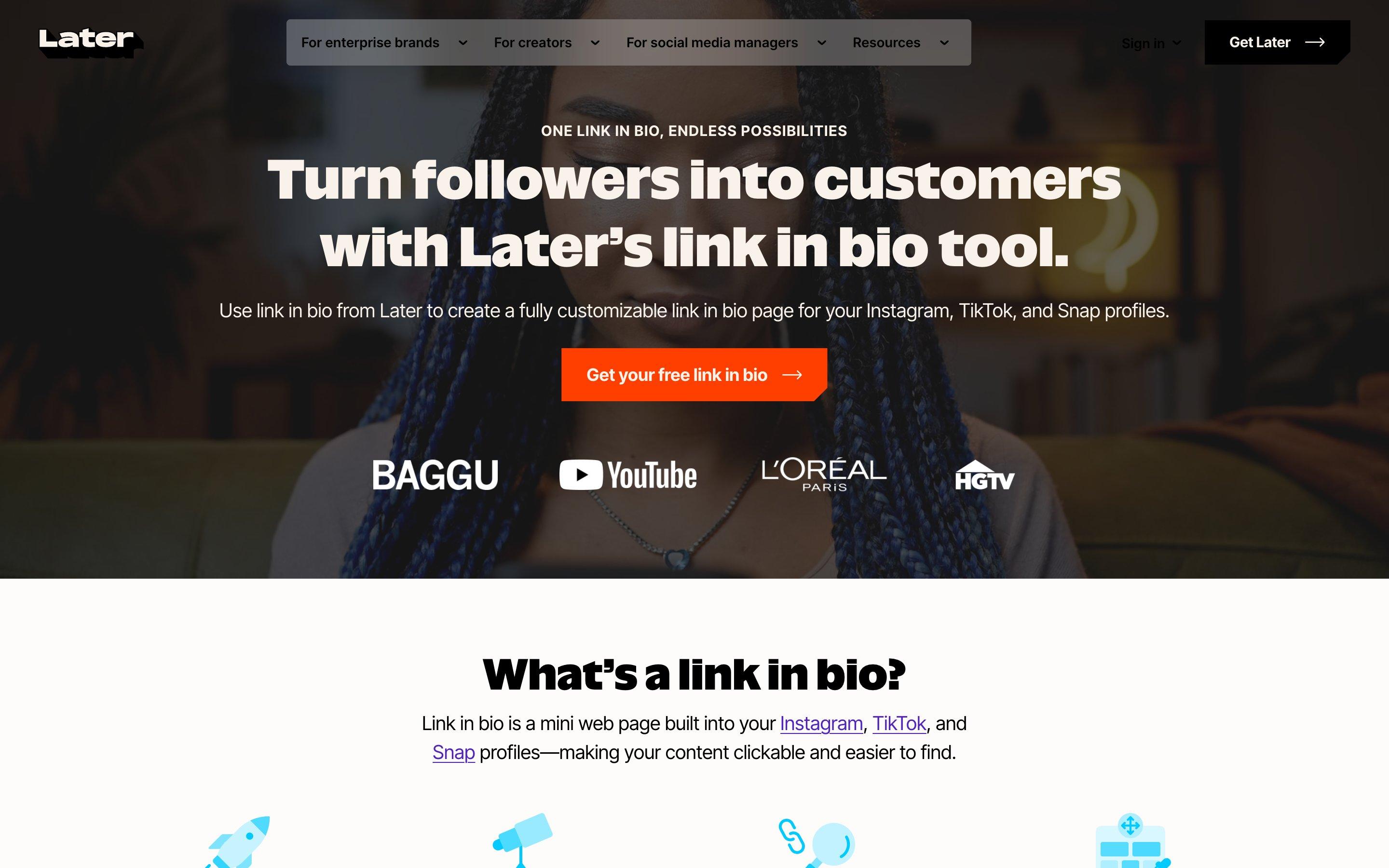
Later is a social media scheduler, and its Link in Bio page (at linkin.bio) comes with it. The idea is neat: your Instagram and TikTok posts become a clickable grid, so a visitor taps the post they saw and lands on the right link.
What's good
If you already plan and schedule your posts in Later, the link page is part of the same workflow and costs nothing extra. The post grid suits shops and creators whose feed is the menu: a product shot links to the product, a recipe photo links to the recipe.
What's not
You're paying for a scheduler. Plans start at about $25 a month, or $18.75 a month billed yearly, and that's a lot for a page of links if you don't need the rest. Later has offered a free version with a Later banner in the past, but its pricing page doesn't list one now. Pages live at linkin.bio/you, with no custom domain listed. Common complaints in reviews are about renewals and cancelling.
- Best for
- People who already schedule their posts in Later
- Price
- From about $25/month, including social scheduling
- Free plan
- Not listed on its pricing page; 14-day free trial
More detail in Hiyaly vs Later.
Carrd
Carrd isn't strictly a link in bio tool. It's a one-page website builder, and plenty of people use it as one.
What's good
It's very cheap. Pro Lite is $9 a year, and Pro Standard, at $19 a year, adds custom domains, forms and embeds. You get a blank canvas and full control of the layout, so you can make something that looks nothing like a list of buttons. For a small business or a portfolio, it's a lot of website for the money.
What's not
You build everything yourself, and a blank canvas takes time. Link stats, scheduled links and messages aren't built in the way they are on dedicated link in bio tools. Plans are yearly only. Common complaints in reviews mention sites being taken down with little explanation.
- Best for
- People who want a cheap, fully custom one-page site
- Price
- Free, then Pro from $9/year; custom domains from $19/year
- Free plan
- Yes, with Carrd branding
More detail in Hiyaly vs Carrd.
Lnk.Bio
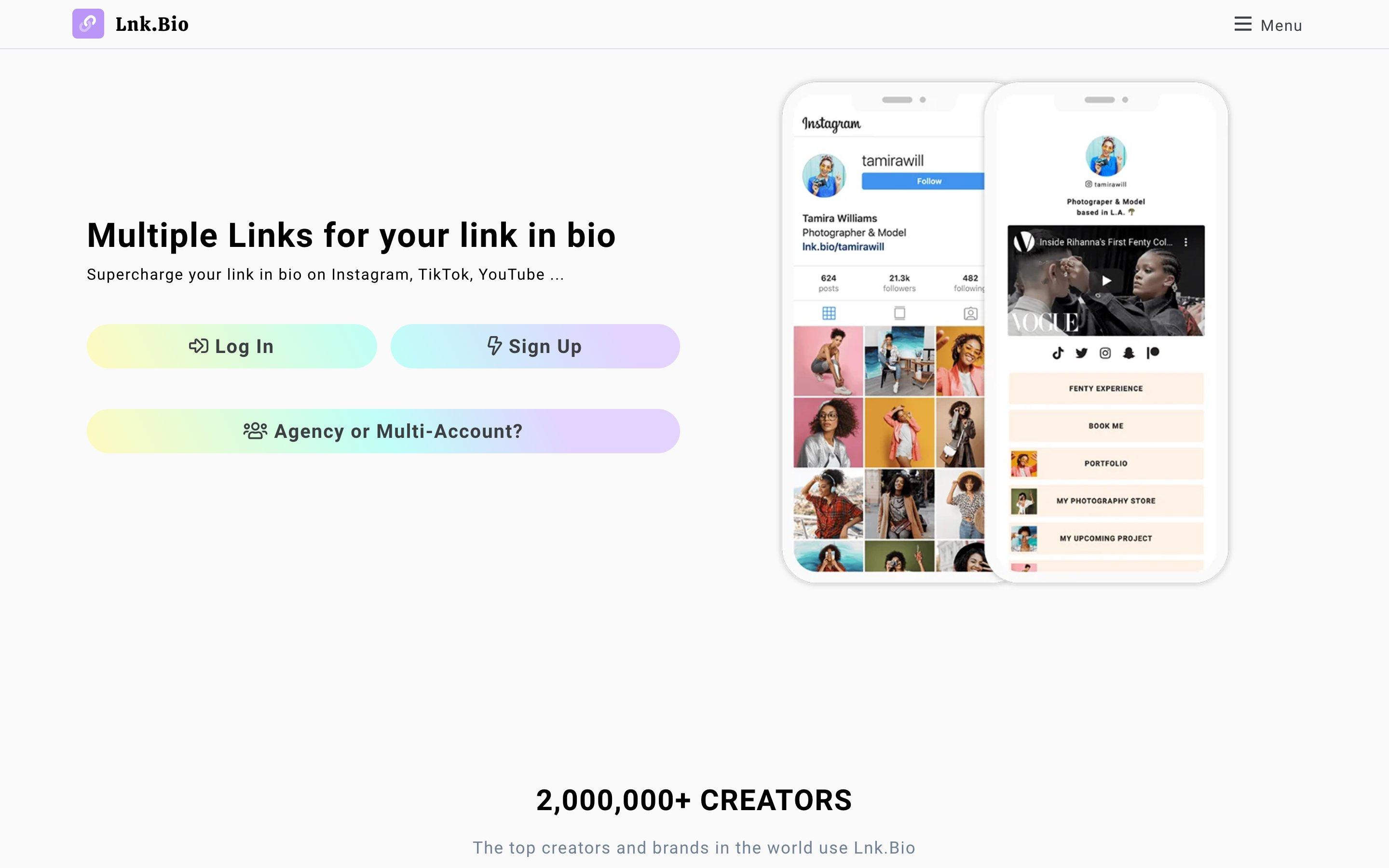
Lnk.Bio is a small, independent link in bio tool that's hard to beat on price.
What's good
The free plan has unlimited links and embeds. Mini costs $0.99 a month, and Unique is a one-time payment of $24.99, so you can pay once and stop thinking about it. There are plenty of layouts to choose from.
What's not
Extras like a custom domain, a verified badge and bookings are add-ons you pay for on top. Its shop takes 5% of each sale. Common complaints in reviews mention accounts or pages being removed without a clear reason.
- Best for
- Budget-minded creators who'd rather pay once
- Price
- Free, Mini $0.99/month, Unique $24.99 once, plus add-ons
- Free plan
- Yes
More detail in Hiyaly vs Lnk.Bio.
Taplink
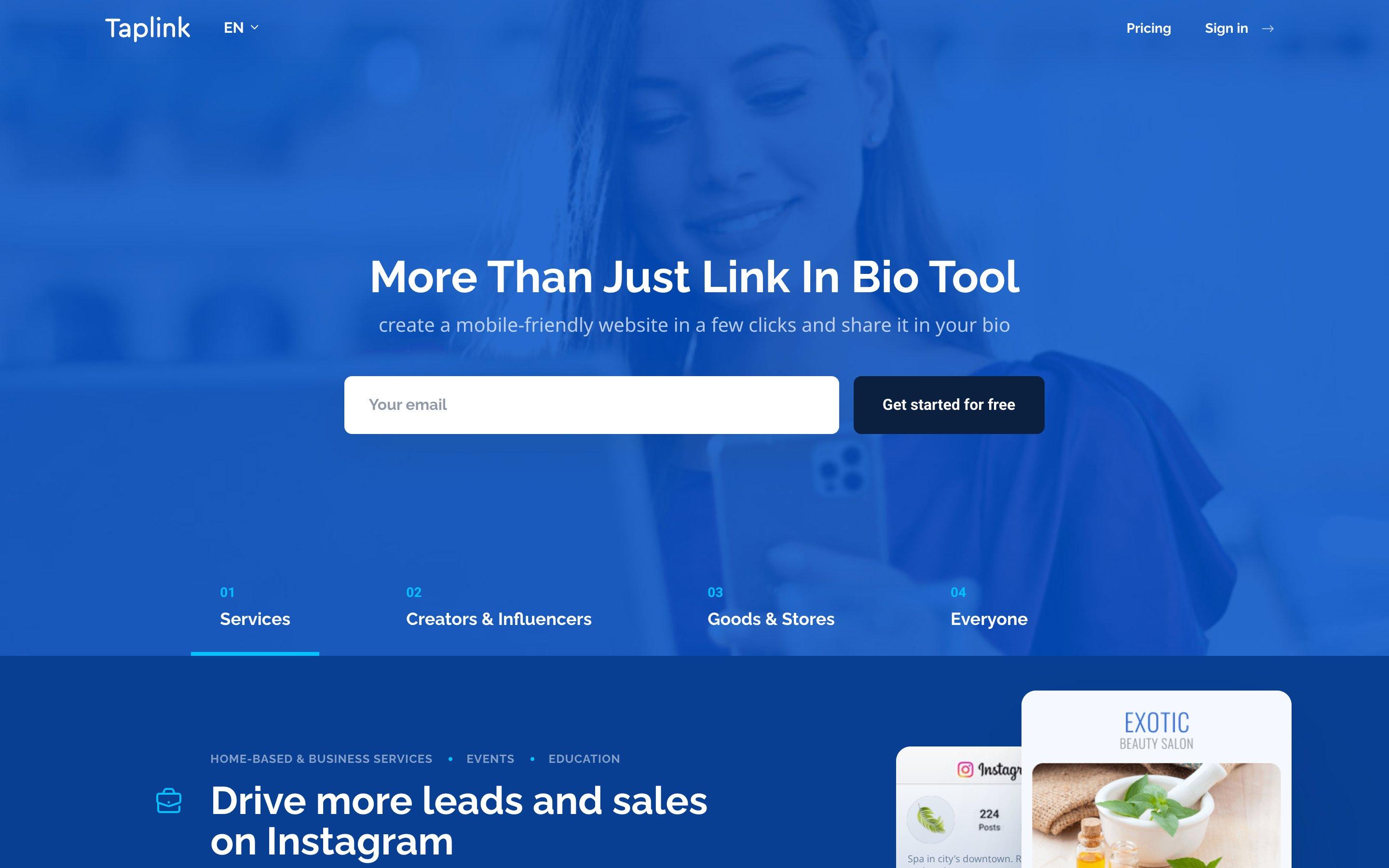
Taplink is a mini-website builder, popular with small businesses that take orders and requests through Instagram.
What's good
Its Business plan puts forms, payments and a simple CRM on the page, which suits a salon, a tutor or a bakery taking orders. The free plan covers unlimited links, themes, page view stats and a QR code. Paid plans are cheap, especially if you prepay for a year.
What's not
Paid plans are prepaid for at least three months, with bigger discounts for six or twelve, so you can't simply pay month to month. Your own domain and removing the branding need the Business plan. Prices vary by country, so check before you pay.
- Best for
- Small businesses taking orders and requests on the page
- Price
- From a few dollars a month, prepaid for 3 to 12 months
- Free plan
- Yes
More detail in Hiyaly vs Taplink.
How to pick
Skip the feature lists for a moment and ask what your page is for. Most people need three to six things on it, not thirty.
If you want free
Linktree's free plan is the safest. Carrd and Lnk.Bio are free too, and cheap when you upgrade. Hiyaly isn't free after the trial, so if paying nothing is the rule, start elsewhere.
If you sell courses or coaching
Stan is built for it. Linktree Pro handles courses too. Hiyaly is a good fit if you sell downloads, take tips or book paid calls, and link out for the rest.
If you want one tool for everything
Beacons. Just do the sums on the 9% fee before you start selling on the free plan.
If your feed is the point
Later's post grid is clever, especially if you already use its scheduler.
If you want a page that's yours
This is where we'd point you to Hiyaly. Your own domain is included. Billing shows you what's coming and lets you leave in one click. A person reviews any report before anything happens to your page, and tells you why. If we ever shut down, you'll get at least 90 days' notice and a way to take your content with you. And Hiya does the first draft, so you're not starting from an empty list.
Let Hiya setup your page.
Go live free for 14 days, no card needed. Then $8 a month, or $72 a year.
Side by side
| Tool | Best for | Free plan | Paid from | Own domain |
|---|---|---|---|---|
| Hiyaly | A page set up for you, fair billing | No, 14-day trial | $8/month or $72/year | Yes, on Pro |
| Linktree | A free page, selling courses | Yes | $9/month | Not listed |
| Beacons | One tool for everything | Yes, 9% sales fee | $10/month | Creator and up |
| Stan | Courses, coaching, calls | No, 14-day trial | $29/month | Top plan only |
| Later | People who schedule in Later | Not listed | About $25/month | Not listed |
| Carrd | Cheap custom one-page sites | Yes | $9/year | From $19/year |
| Lnk.Bio | The lowest price | Yes | $0.99/month | Paid add-on |
| Taplink | Orders and forms for small businesses | Yes | A few dollars a month, prepaid | Business plan |
Whichever tool you use, a few free helpers make your link work harder. Make a QR code for print, tidy long links, or write a bio that tells people why to tap.
- NewQR Code GeneratorFree static QR codes in PNG and SVG, no watermark.Open tool
- Link Shortener & URL CleanerStrip tracking tags from a link, then make it short.Open tool
- NewInstagram Bio GeneratorBio ideas that fit Instagram's 150 characters.Open tool
For more on making the most of your page, see our guides to your Instagram link in bio, your TikTok link in bio and what to put on it. Or browse every comparison on the alternatives page.
Frequently asked questions
What is the best link in bio tool in 2027?
It depends on the job. Linktree is the safe pick if you want a free page. Stan suits coaches selling courses and calls. Carrd is the cheapest way to get a full one-page site. Hiyaly suits people who want a page set up for them, fair billing and their own domain for $8 a month.
Which link in bio tool is free?
Linktree, Beacons, Carrd, Lnk.Bio and Taplink all have free plans. Stan has no free plan, and Later's pricing page doesn't list one right now. Hiyaly has no free plan either, but you get a 14-day free trial with no card needed, and you can build and preview your page before that.
What is the best Linktree alternative?
For selling courses, Stan. For an all-in-one creator account, Beacons. For a cheap custom site, Carrd. For the lowest price, Lnk.Bio. For a page that Hiya sets up from your socials, with your own domain and one simple plan, Hiyaly.
Which link in bio is best for Instagram and TikTok?
Any of these work in an Instagram or TikTok bio, because they all give you one link. If your feed is the point, Later turns your posts into a clickable grid. If you want your page built from your profile, Hiyaly's Hiya brings in your photo, bio and links from Instagram, TikTok, YouTube or X.
Can I use my own domain for my link in bio?
On some tools. Hiyaly includes your own domain on Pro. Carrd has it from Pro Standard at $19 a year. Beacons, Lnk.Bio and Taplink offer it on certain plans or as an add-on. Linktree and Later don't list custom domains, and on Stan it's only on its top plan.