
















Looking fora Beacons alternative?

A simpler page with no fees on your sales. Here's how they compare.

Facts checked on 5 November 2026

  • Daydream · Banner

    Nails by JoGel, BIAB and nail art, Bristol
    Book a setYour first set, 15% offJOSNAILSPrice listMessage me
    +412 sign-ups
  • Arcade · Hero

    DJ KofiHouse and garage, Fri nights
    Late Night Mix Vol. 342 min · SoundCloudLive at Corsica StudiosTour datesBookings
    1,204 clicks
  • Picnic · Classic

    Maya BakesSmall-batch bakes, Leeds
    SELLING FASTThis week’s box: chocolate dripOrder a boxCookie club10% off your first boxHIYA10

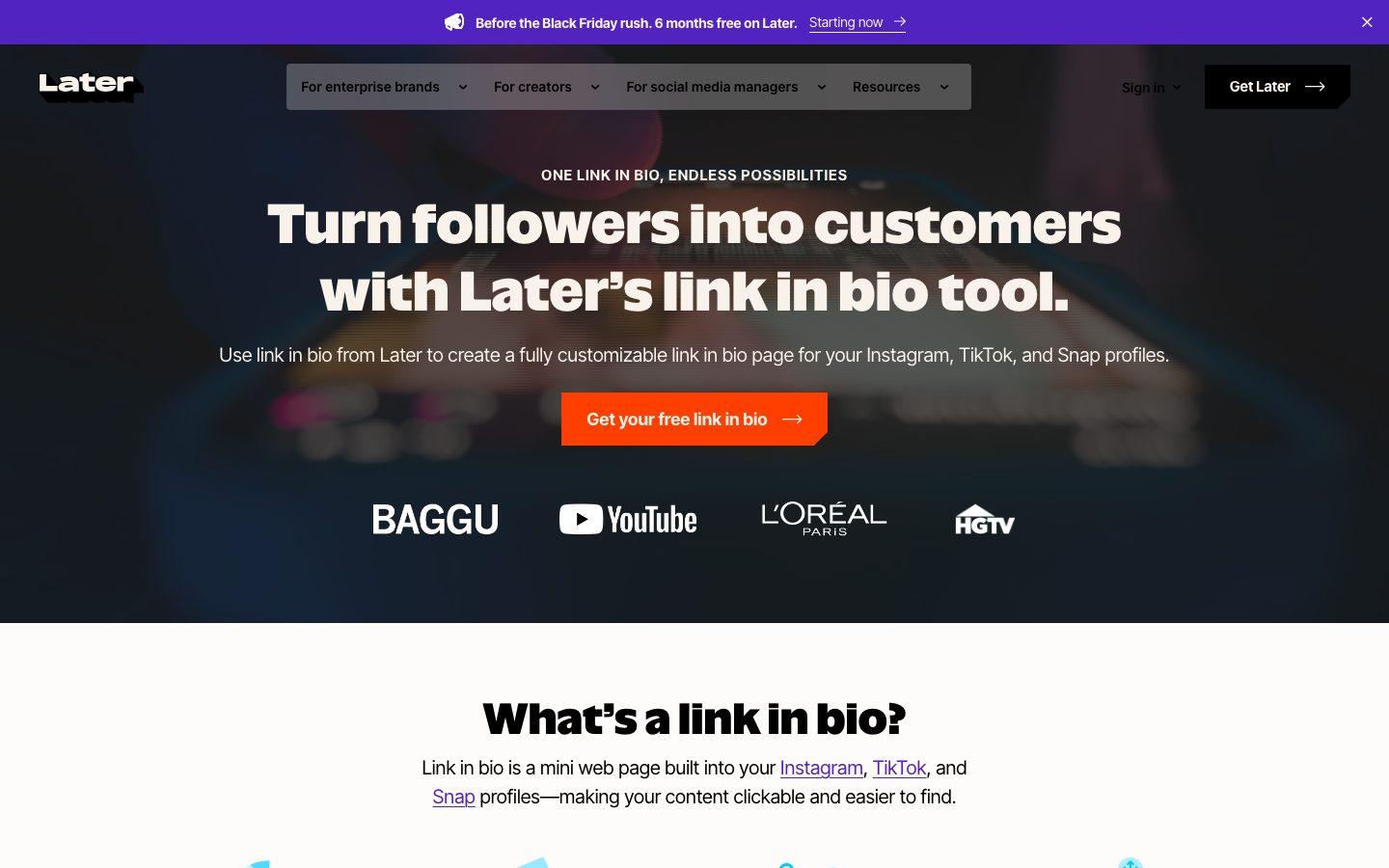
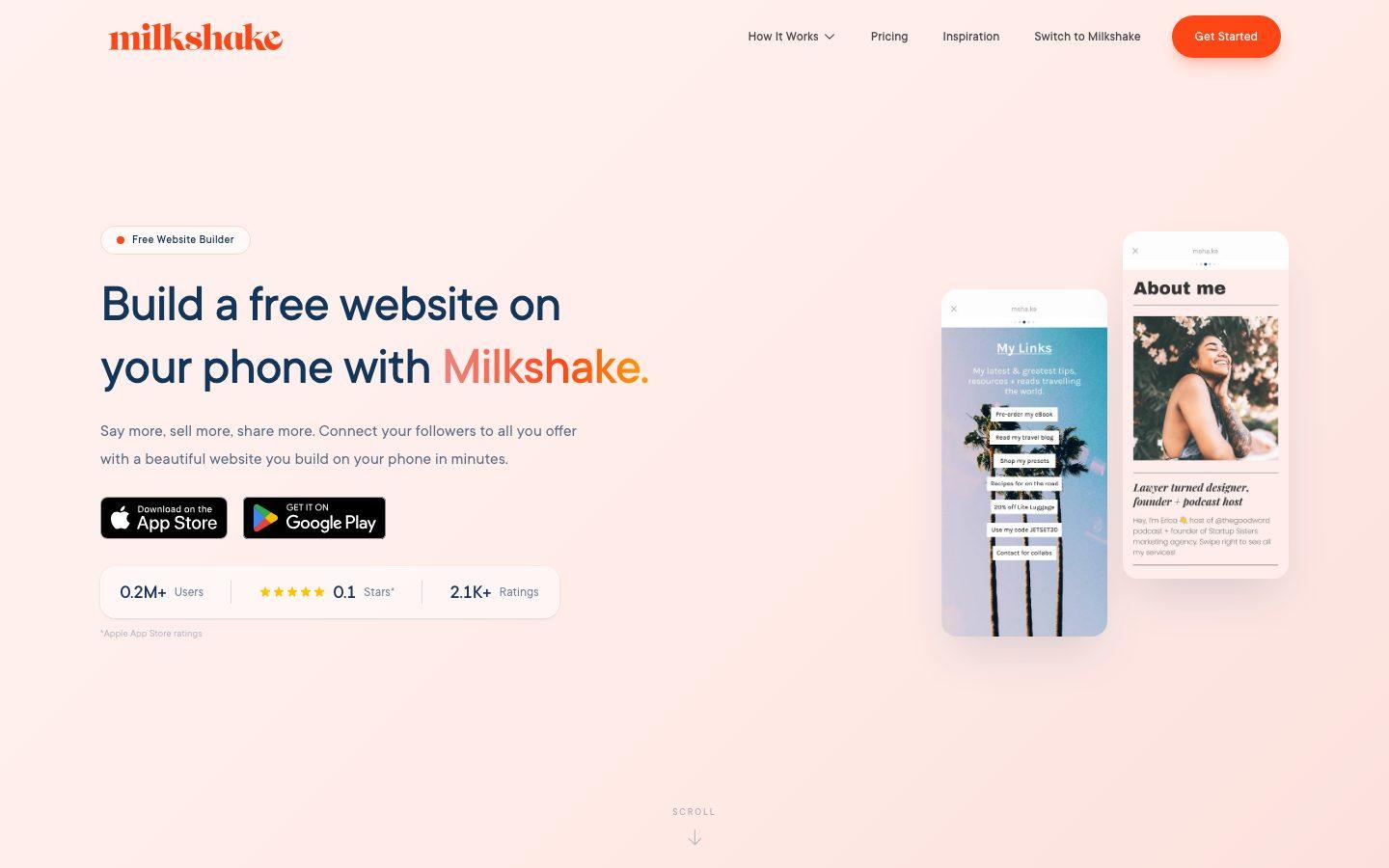
Beacons and Hiyaly, side by side

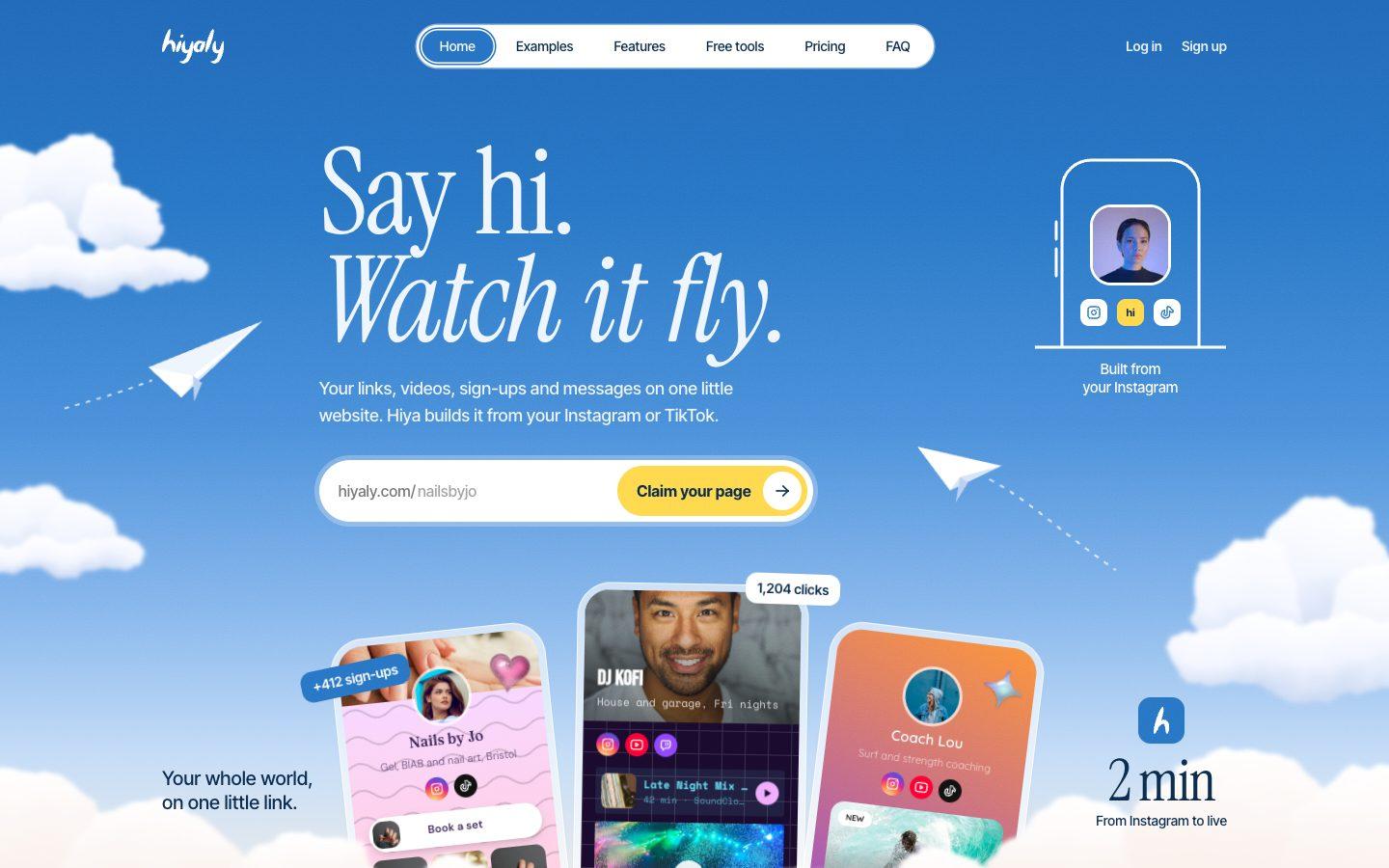
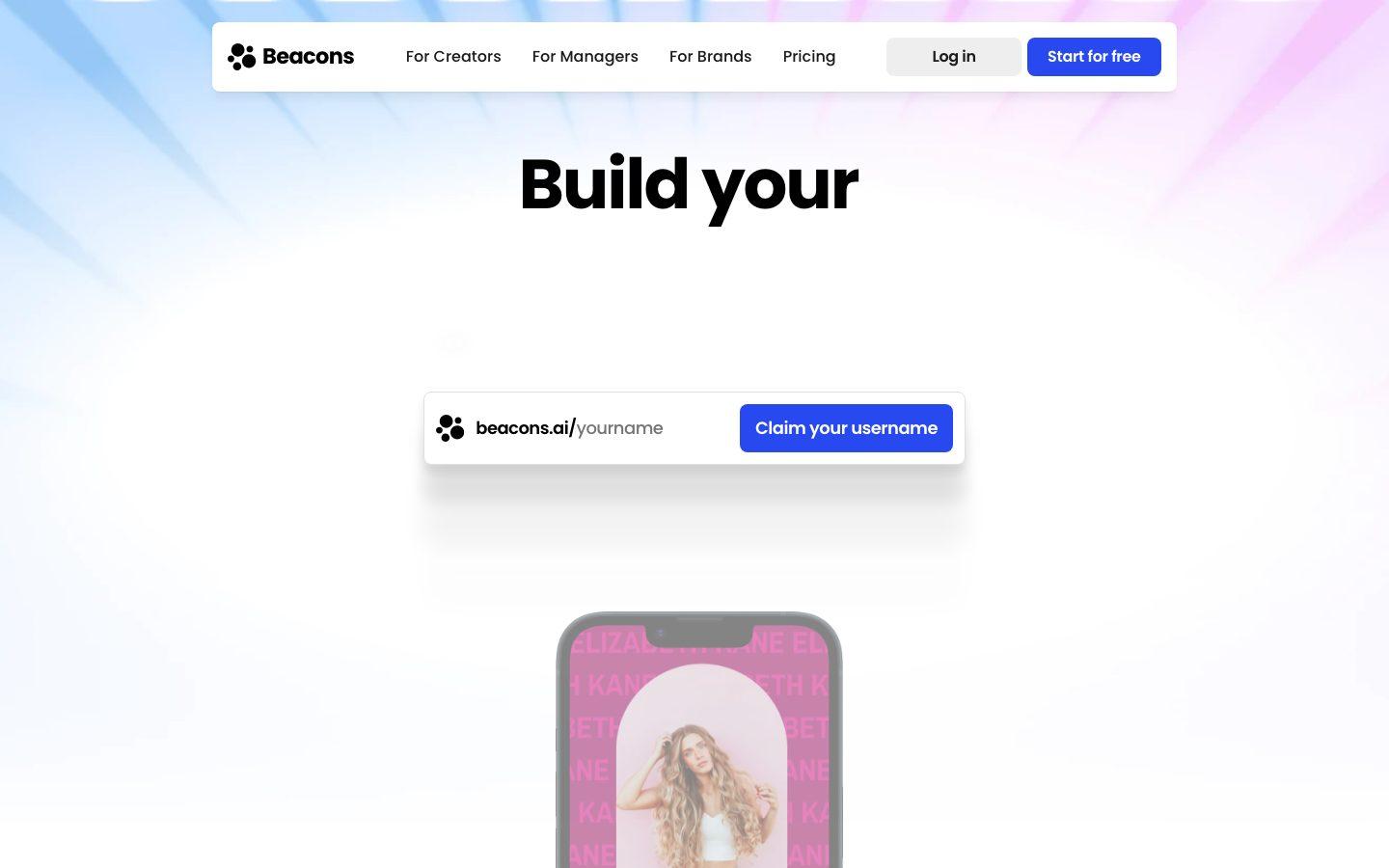
Drag across to compare the two homepages. Both are real screenshots, taken the same week.

hiyaly.com
The Hiyaly homepage
The Beacons homepage
BeaconsHiyaly

Screenshots of beacons.ai and hiyaly.com, taken 5 November 2026. Beacons is a trademark of its owner; we're not affiliated.

The short answer

Beacons packs a link in bio, store, email tool, media kit and an AI assistant into one account, with a free plan that keeps 9% of each sale. Hiyaly does less on purpose: Hiya builds your page from your socials, and downloads, tips and paid bookings run through your own Stripe with no fee from us. Pick Beacons for one tool that does it all; pick Hiyaly for a focused page.

Pick Beacons if

  • You want a free plan and don't mind 9% on sales.
  • You want newsletters, a media kit and Instagram auto-DMs in the same account.
  • You need a custom domain today (from the $10 Creator plan).
  • You sell courses or memberships, which Hiyaly's shop doesn't host.

Beacons's plans

  • Free · $0
  • Creator · $10/month
  • Creator Plus · $30/month
  • Creator Max · $100/month

Pick Hiyaly if

  • You sell downloads, tips or calls and don't want a seller fee on any plan.
  • You want your page set up from your socials in a few minutes.
  • You want to remove branding for $8 a month.
  • You'd like visitors to send you messages from your page.
Build your page

At a glance

Price
Beacons:Free, then $10 to $100/month
Hiyaly:$8/month or $72/year per page
Free plan
Beacons:Yes, with 9% seller fees
Hiyaly:No free plan; 14-day free trial, then $8/month
Fees on sales
Beacons:9% on Free and Creator; 0% from $30/month
Hiyaly:0% Hiyaly fee; Stripe processing only
Remove branding
Beacons:Creator Plus, $30/month
Hiyaly:Pro, $8/month
Custom domain
Beacons:Creator and up
Hiyaly:Yes, on Pro
Setup
Beacons:AI designer that works from a text prompt
Hiyaly:Hiya brings in your photo, bio and links from your socials
Also includes
Beacons:Email marketing, media kit, Instagram auto-DMs
Hiyaly:Messages, link shortener, QR codes

What a year costs

The cheapest paid plan on each, for one page.

Beacons$120/yr
Hiyaly Pro$96/yr
Fees on sales, Beacons
9% on Free and Creator; 0% on Creator Plus and Creator Max
Fees on sales, Hiyaly
0% platform fees: Stripe's standard processing only

Cheapest paid plan for one page, billed monthly where both offer it, as listed on 5 November 2026. Hiyaly is priced per page, and is $72 a year if you pay yearly; Beacons's plans may cover more. Prices change, so check Beacons's pricing page before you decide.

Feature by feature

FeatureBeaconsHiyaly
Publish a page for free
Yes
No14-day free trial, then $8/month; build and preview first
Themes and custom design
YesColors, fonts, styles and layouts
Yes
Videos that play on the page
PartlyNot clear from their site
YesYouTube, Vimeo and TikTok
Email sign-ups
YesEmail and phone collection
Yes
Send sign-ups to your email tool
PartlyHas its own email tool; outside integrations not clear from their site
YesMailchimp, Klaviyo, Kit and more, or CSV export
Sell products with built-in checkout
Yes9% fee on Free and Creator
YesDownloads and tips through your own Stripe, 0% platform fees
Built-in bookings
YesAppointments through the store, with Google Calendar
YesGoogle Calendar and Meet; paid sessions at 0% platform fees
Click analytics
YesReal-time analytics on Free
YesLast 90 days
Scheduled links
Yes
Yes
Your own domain
PartlyCreator and up
YesIncluded in Pro
Remove the tool's branding
PartlyCreator Plus and up
Yes
Verified badge
NoNot listed on their site
YesChecked by a person
Builds your page from your socials
PartlyAI designs a page from a text prompt
YesHiya sets it up from Instagram, TikTok, YouTube or X
Link shortener
PartlyNot clear from their site
YesWith click counts
QR code for your page
YesQR code and Apple Wallet card
Yes
Messages from visitors
PartlyContact forms on websites and media kits
Yes
Meta and Google pixels
YesFacebook, TikTok and Pinterest; plan not clear from their site
Yes
Password-protected page
NoNot listed on their site
Yes

Why people switch from Beacons

  • 1

    No cut of what you sell

    On Beacons' Free and Creator plans, 9% of each sale goes to Beacons. Hiyaly takes 0% on downloads, tips and paid bookings, charged on your own Stripe account, so you pay only Stripe's processing.

  • 2

    Less to learn

    Beacons does a lot: websites, a store, email, a media kit, auto-DMs and an AI teammate. If you only use the link in bio, Hiyaly gives you just the page, and Hiya fills it in from your socials.

  • 3

    No branding for less

    Removing the Beacons logo takes Creator Plus at $30 a month. Removing Hiyaly's takes Pro at $8 a month.

  • 4

    A badge a person checks

    Hiyaly offers a verified badge on Pro, and a real person reviews each request. Beacons doesn't list a verified badge.

The 9% question

Beacons' Free and Creator plans keep 9% of every sale. Creator Plus at $30 a month drops that to 0%. If you sell $500 a month on the Free plan, that's $45 a month, or $540 a year, going to Beacons.

The point where Creator Plus pays for itself is about $333 a month in sales compared with Free, or about $222 compared with Creator. Under that, the fee costs less than the upgrade. Over it, Creator Plus wins.

Hiyaly sits outside this math. Its shop and paid bookings take 0% on Pro, its only plan, and sales are charged on your own Stripe account, so Stripe's processing is the only fee. Anything it doesn't sell, like courses or physical goods, lives in a shop you link to, with that shop's fees.

One big platform or one focused page

Beacons is more than a link in bio. It has websites, a store with courses and memberships, email marketing (50 sends a month on Free, 500 on Creator, unlimited on Creator Plus), a media kit that updates itself and Instagram auto-DMs. An AI teammate called Beam runs on daily credits.

If you use most of that, Beacons is good value, since it replaces several tools. If you only want a page with your links, it's a lot to set up and look past.

Hiyaly is a focused page with the extras a page needs: a shop for downloads and tips, bookings through Google Calendar, email sign-ups, messages from visitors, scheduled links, a link shortener with click counts, QR codes and analytics.

What a year costs

Beacons Creator is $10 a month ($120 a year), or $100 if you pay yearly. Creator Plus is $30 a month, or $300 yearly. Hiyaly Pro is $8 a month ($96 a year), or $72 if you pay yearly, per page.

Both let you use your own domain: Beacons from its Creator plan, Hiyaly on Pro. Hiyaly sets it up in Settings with two DNS records, and you keep the domain if you leave.

Setup and design

Beacons has an AI designer that builds a page from a text prompt, with a daily limit on Free and Creator. You then customize colors, fonts, styles and layouts.

Hiya works from where you already post. Give it your Instagram, TikTok, YouTube or X and it brings in your photo, bio and links, then picks a theme to match. You can change any of it with 52 themes, 29 fonts and 103 stickers.
Move from Beacons to Hiyaly

  1. 1

    Sign up at hiyaly.com and tell Hiya where you post.

  2. 2

    Check the links Hiya brought in, and add your shop, product or booking links from Beacons.

  3. 3

    If you sell downloads on Beacons, add them to your Hiyaly shop; courses and memberships can stay on Beacons, with a link to them.

  4. 4

    Pick a theme and preview the page, then choose Pro to publish.

  5. 5

    Swap your beacons.ai link for your Hiyaly link in each bio.

Go live free for 14 days, no card needed. Then $8 a month, or $72 a year.

Frequently asked questions

Is Hiyaly free?

There's no free plan, but there's a 14-day free trial on Pro, monthly or yearly, with no card needed. After that it's $8 a month, or $72 a year, per page. Beacons has a free plan, though it keeps 9% of what you sell.

Can I move my Beacons links to Hiyaly?

Yes. Hiya brings in your photo, bio and links from Instagram, TikTok, YouTube or X, and you can paste in anything else from your Beacons page. Products don't move across on their own: add downloads to your Hiyaly shop, or link to anything you keep on Beacons.

Does Hiyaly charge seller fees like Beacons?

No. Downloads, tips and paid bookings take 0% from Hiyaly on its only plan; Stripe's processing is the only fee. Any shop you link to charges its own.

Can I send newsletters from Hiyaly?

Not from Hiyaly itself. You collect sign-ups on Pro and send them straight to Mailchimp, Klaviyo, Kit and more, or export them as a CSV.

Can I use my own domain on Hiyaly?

Yes, on Pro. Connect a domain you own in Settings, and hiyaly.com/yourname keeps working too. Beacons includes a custom domain from its Creator plan.

How we checked

We checked Beacons's own pages on 5 November 2026 and took the homepage screenshot the same week. Spot something out of date? Email us and we'll fix it.

Try Hiyalyinstead of Beacons.