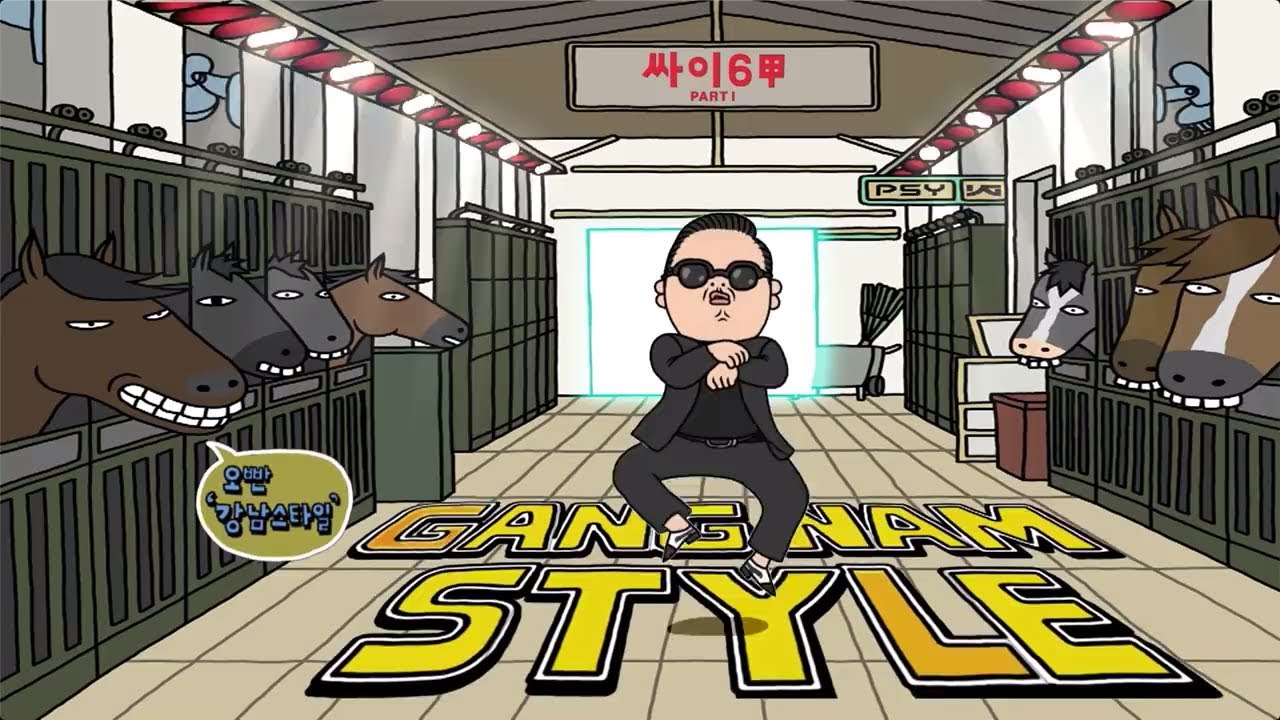



How it works
Every YouTube video has an 11-character ID, like the part after v= in a watch link. YouTube stores each video's thumbnail at a predictable address on its image server, in several sizes. This tool finds the ID in whatever link you paste and shows those images.
The pictures load straight from YouTube into your browser. Nothing passes through Hiyaly, and there's nothing to install.
Finding the video ID
You rarely need to, but the ID is easy to spot. In a watch link it's the 11 characters after v=. In a youtu.be link it comes right after the slash, and in Shorts, embed and live links it follows /shorts/, /embed/ or /live/. IDs use letters, numbers, dashes and underscores, and you can paste one on its own.
Extra parts of a link, like a start time or a playlist, are ignored, so you can paste a link straight from the Share button.
The thumbnail sizes
YouTube keeps up to four useful sizes:
- Max resolution, 1280 × 720: the full HD custom thumbnail. Not every video has one, especially older or very small uploads.
- Standard, 640 × 480: a 4:3 version, so wide videos show black bars at the top and bottom.
- High quality, 480 × 360: also 4:3, and available for almost every video.
- Medium, 320 × 180: a small 16:9 version with no bars.
If the download opens a new tab
Browsers often won't let one site save a file straight from another site with a single click. When that happens, the image opens in a new tab instead. Right-click it (or long-press on a phone) and choose Save image. You get the same file.
If a size says it's not available, YouTube doesn't have that version for the video. Use the next size down.
Respect creators' work
A thumbnail is part of a creator's work, and it's usually protected by copyright like the video itself. Saving one for reference, research, a mood board or a review is common. Reposting it as your own, or using it in an ad or product, needs the creator's permission.
If you're studying thumbnails to improve your own, look at the patterns: big faces, three words or fewer, high contrast, one clear subject. Then make yours from scratch. YouTube recommends 1280 × 720 for custom thumbnails, and the image resizer can crop a photo to that size.
Frequently asked questions
How do I download a YouTube thumbnail?
Paste the video's link above, then click Download under the size you want. If it opens in a new tab, right-click the image and choose Save image.
Does it work with YouTube Shorts?
Yes. Paste a youtube.com/shorts/ link and it finds the video ID the same way. Shorts thumbnails are stored at the same sizes.
Why is the max resolution thumbnail missing?
YouTube only creates the 1280 × 720 version for some videos, often ones with a custom thumbnail or HD upload. The smaller sizes are almost always there.
Is it legal to download YouTube thumbnails?
Viewing and saving one for personal reference is common, but the image belongs to the creator. Ask permission before reusing it publicly or commercially.