A little personality,stuck on.
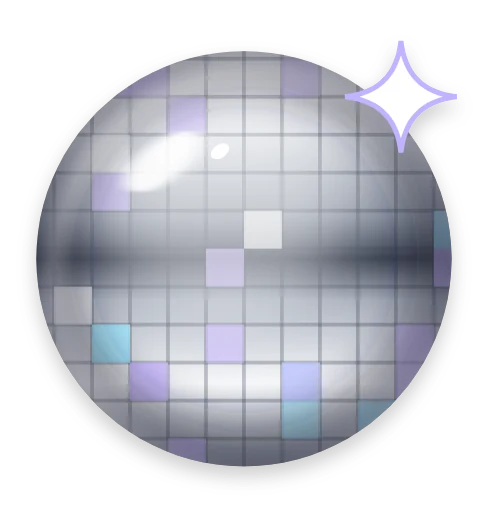
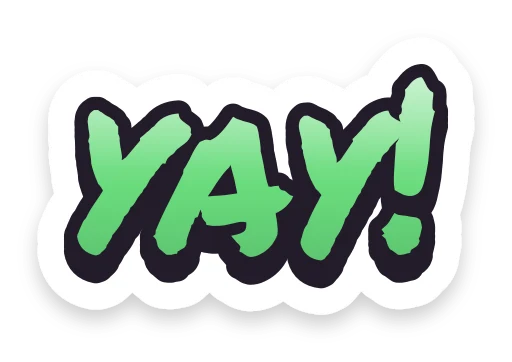
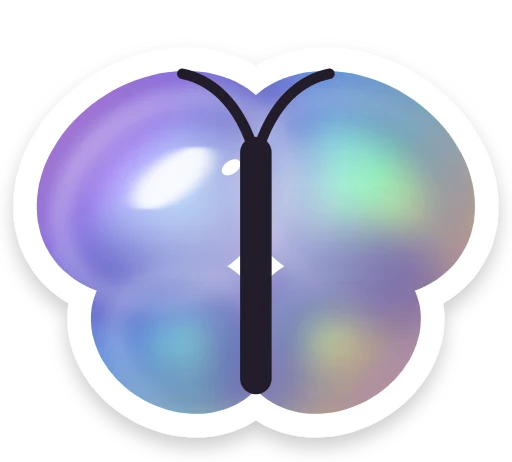
Pick from 103 stickers in nine packs and drop them anywhere on your page. Point at your best link, put a sparkle by your name, or go all out.
Go live free for 14 days, no card needed. Then $8 a month, or $72 a year.
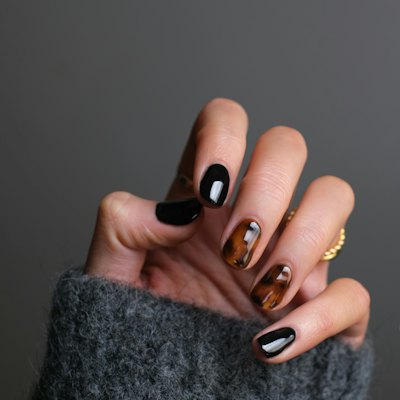
 Nails by JoGel, BIAB and nail art, Bristol
 Book a set
 Your first set, 15% offJOSNAILSPrice listMessage me








How it works
Set up in three steps.
- 1
Open Stickers
In the Design tab, open Stickers and browse the packs, or search by name.
- 2
Drop one in
Tap a sticker and it lands on your preview. Drag it, pull a corner to size it, and use the handle to turn it.
- 3
Arrange the rest
Add up to 40. Take one off with the bin under it, or clear them all at once if you change your mind.
What you can do
Everything it can do.
Nine packs
This way! for pointing at the link that matters, Like & Subscribe for creators, Jellies, Cha-ching for sales tags and badges, Puffed up for chrome and holographic balloon shapes, Doodle buddies, Y2K, Scribbles for handwritten shout-outs, and the seasonal Sorta spooky.
Anywhere on the page
Stickers sit over the whole page, header included. Drag to move, pull a corner to resize and turn them with the handle. On a phone, pinch and twist with two fingers.
In the same spot on any screen
Positions are measured against your page, so a sticker beside a link stays beside it on a phone or a laptop. On narrow screens they shrink to fit.
Quick with a keyboard
Arrow keys nudge a sticker, [ and ] turn it, minus and plus resize it, and Delete removes it.
Fun to poke
On your live page, stickers lift and wiggle under the pointer and squish when pressed. Visitors who've asked their device for less motion see them sit still.
Kept when you restyle
Stickers stay where you put them when you switch themes, so you can try a new look without placing them all again.




Keep exploring
Goes well with these.
- Themes74 themes, 30 fonts and button styles to make it yoursSee how it works
- Header layouts12 ways to show your photo and name at the topSee how it works
- Link stylesAnimated, spotlight and grouped links that stand outSee how it works
- CanvaDesign your photo and wallpaper in Canva, then bring them backSee how it works



Guides and free tools
- 4 min readLink in bio ideas: what to put on your pageNot sure what to put on your link in bio page? Ideas for creators, makers, shops and pros, plus how to order them so people tap the thing that matters.Read the guide
- Aesthetic SymbolsStars, hearts, dividers and kaomoji to copy and paste.Open tool
- Emoji Copy and PasteSearch, click and copy emoji, or build a string.Open tool
- NewInstagram Fonts GeneratorBold, script, bubble and 25+ more fancy text styles to copy.Open tool
FAQ
Questions, answered.
How many stickers can I put on my page?
Up to 40 at once, picked from 103 stickers in nine packs.
Do stickers cost extra?
No. Every pack is included in Pro.
Can stickers cover my links?
They sit wherever you put them, so keep them clear of buttons you want tapped. The preview shows your page exactly as visitors will see it.
Can I upload my own stickers?
Not at the moment. You can pick from the nine packs, and new ones get added over time.
Will stickers move around on different phones?
They stay beside the same part of your page. On narrower screens they scale down along with everything else.
Are there seasonal stickers?
Yes. Sorta spooky is a seasonal pack: a little spooky, a lot of fun.